Free on Google Play · v2.4.1

CV Spark: offline CV & resume maker

Fifty résumé designs, fully offline, on the phone already in your hand.

ProblemWhy it exists

Building a résumé usually means fighting someone else's Word template, or handing your data to a web tool that locks you into one layout. On a phone it gets worse: most builders reduce you to a single generic design, because supporting real variety is hard.

I wanted neither. Your content, and real design freedom, on the device already in your hand.

ThinkingThe actual constraint

The hard part was never "make it look nice". It was this: how do you support fifty genuinely different visual identities (layouts, sidebars, skill-bar styles, photo shapes, fonts) without writing fifty near-duplicate screens that drift out of sync the moment one of them needs a fix?

SolutionDesign as data

I modelled a template as pure data, completely separate from the person's content. A CVTemplate is a description: colours, heading and body fonts, a layout enum, a skill-visualisation style, a photo-frame shape, a pattern. It holds nothing about any individual's résumé.

The person's data lives in its own CVModel. Any template can render anyone's content, because neither one knows the other exists.

ImplementationThree problems, three answers

That decision raised three problems, and each needed its own answer.

Fifty identities, one codebase

Layout, skill style, pattern and photo frame are each their own enum. One skill-visualiser widget reads the style and switches between real implementations: a segmented circular arc, a DNA helix, a thermometer fill. Each is its own drawing, not a reskin.

Customise without breaking intent

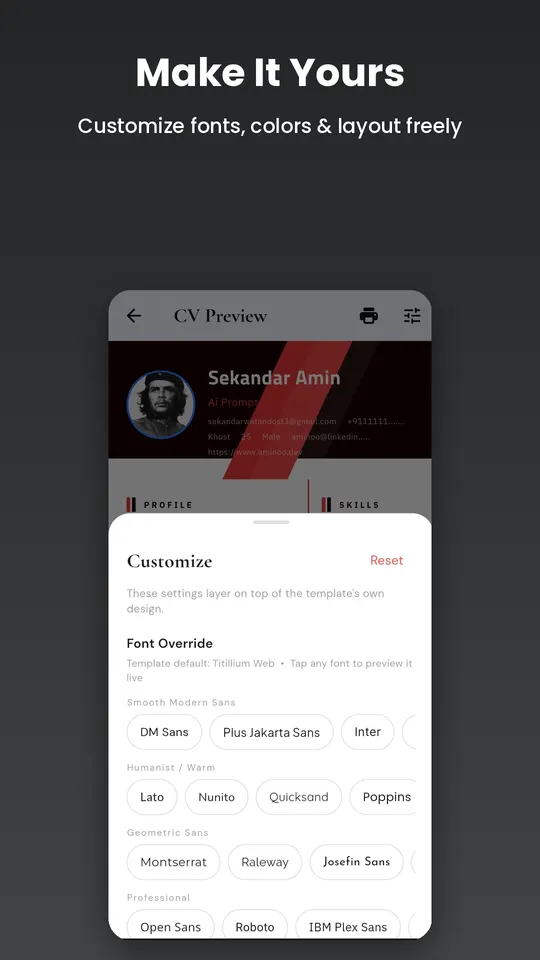
Font, icon colour, header colour and photo frame are each overridable, and every override defaults to null, meaning "respect the template". A sentinel object in copyWith tells "untouched" apart from "cleared". Resolvers like resolveFont decide, field by field, who wins.

One job title, two vocabularies

The career picker offers 68 specific titles ("Chemical Engineer"). Auto-fill summaries are written for 15 broad categories ("Engineering"). An explicit lookup map bridges the direct cases and a fuzzy keyword match handles free-typed titles.

Underneath, each résumé is saved in its own local storage slot with a lightweight index, so switching between drafts never re-parses every saved résumé. Résumés saved in the older single-slot format migrate into the new structure automatically on first load, without losing content.

String resolveFont(CVTemplate t) => fontFamilyOverride ?? t.headingFont;
Color  resolveHeaderColor(CVTemplate t) => headerColorOverride ?? t.primaryColor;
ResultAdd one, touch none

One data model, fifty independent visual identities, and zero per-template content duplication. Adding a fifty-first template means writing a new data description. No new form, no new save logic, no changes to the other forty-nine.

What it does today

Version 2.4.1 features

  • 50 handcrafted templates across career categories
  • 42 layout types, from two-column sidebars to timelines
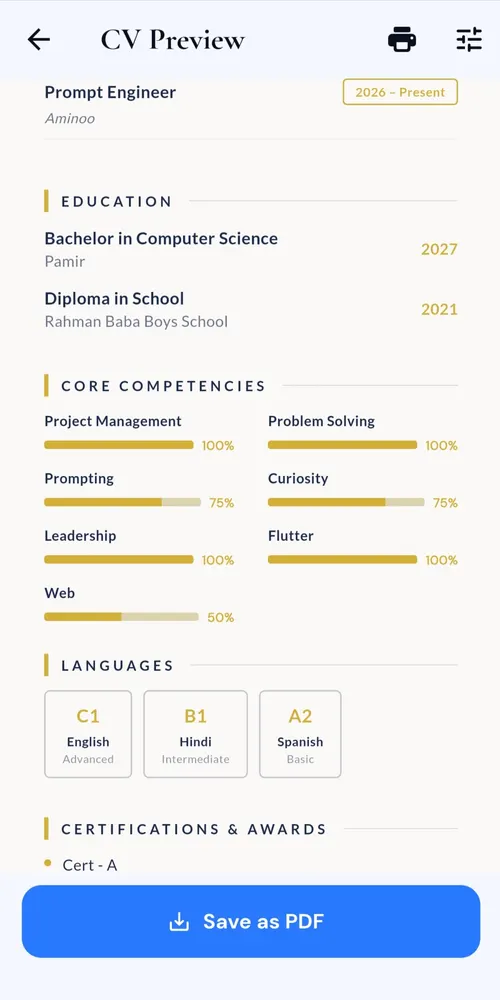
  • 44 skill visualisers: arcs, hexagons, stars, thermometers and more
  • 60+ fonts with live preview
  • Header, icon and heading colour overrides
  • 6 photo-frame shapes and 10 background patterns
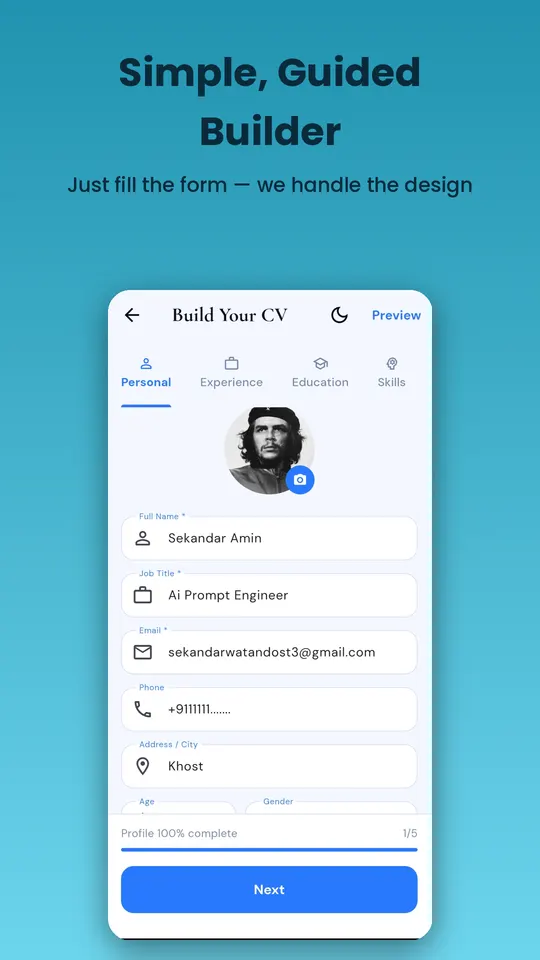
  • Guided form: personal, experience, education, skills, extras
  • 68 job titles with role-matched summary suggestions
  • Multiple résumés saved on the device
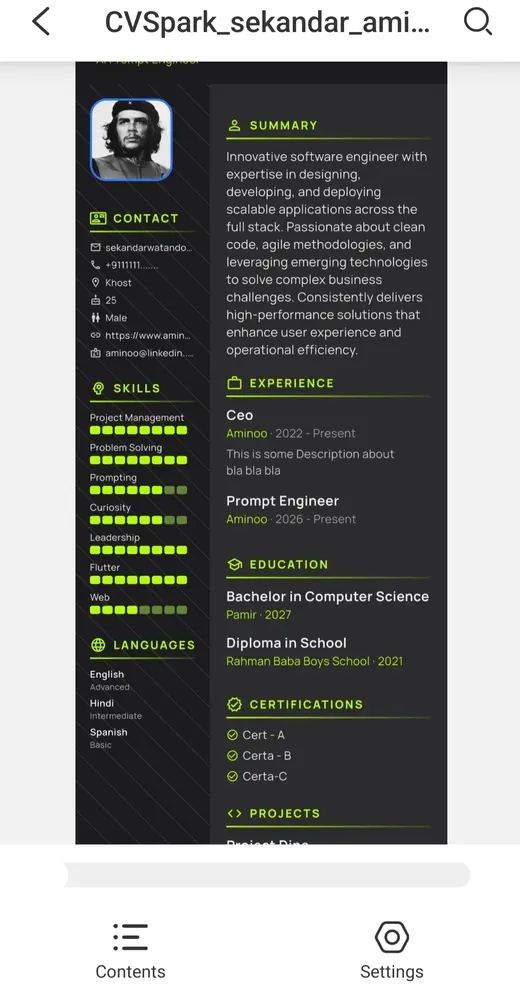
  • Export to PDF, save or share
  • Light and dark app themes
  • No account, no sign-up, no server

CV Spark builds, edits and exports offline. When online, it downloads extra fonts from Google Fonts the first time you choose them. Details are in the privacy policy.

FAQ

CV Spark questions

Is CV Spark free?

Yes. CV Spark is free to download on Google Play, with no subscription and no in-app purchases.

Does CV Spark work offline?

Yes. You can build, edit and export your CV to PDF with no internet connection. Extra fonts download from Google Fonts the first time you pick them while online.

Do I need an account?

No. There is no sign-up and no server. Your CV is saved only on your phone.

How many CV templates does CV Spark have?

50 handcrafted templates, each with its own layout, skill-meter style, photo frame and colour palette. You can change fonts and colours on any of them.

Can I export my CV as a PDF?

Yes. Export a print-ready PDF, then save it or share it to email, WhatsApp or any other app.

Which Android versions does it support?

CV Spark runs on modern Android phones. Check the Google Play listing for the current minimum version.